

System prompt vs. task prompt
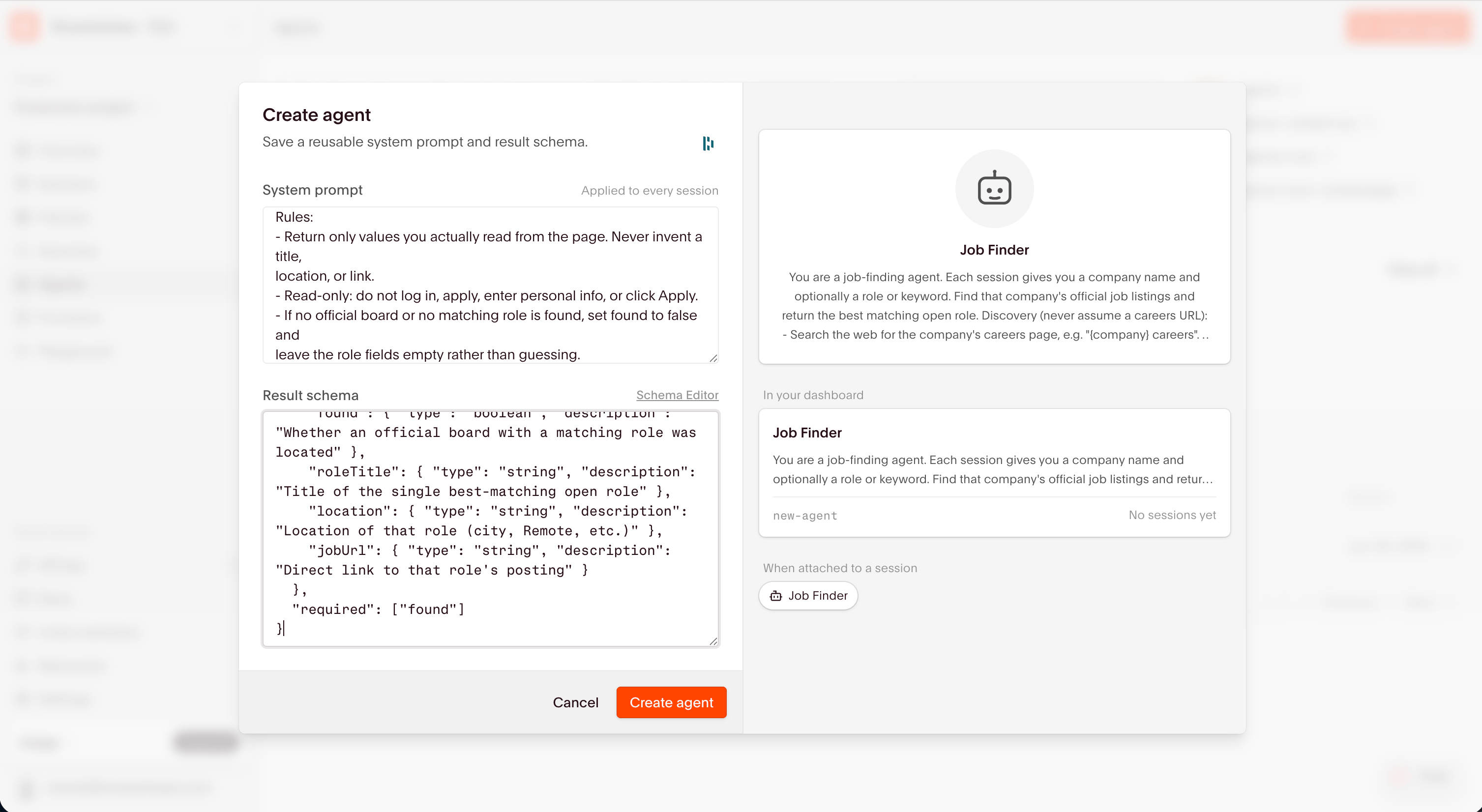
System prompt defines the Agent’s overall behavior. It holds the instructions that apply to every run of a saved Agent: the role, the standard operating procedure, the output contract, and the guardrails. Result schema (optional) defines the typed JSON shape the run returns. Without it,result comes back as a plain string. Treat the schema as part of the prompt, not an afterthought. Providing it is essential for data extraction tasks.
How to structure a system prompt
Order the system prompt by what moves reliability. These three components matter most. 1. Inputs and outputs. State exactly what every run receives and the exact shape it must return. This is the highest-leverage part of the prompt. 2. Validation. Define how the Agent confirms it reached the goal, not just that it finished its steps. The strongest pattern is a separate validation check, ideally a second LLM call that looks at the page state and returns true or false, such as “is this a confirmation page?” An Agent reports success once it walks all its steps, which is not the same as achieving the goal, so build the check in. 3. Fallback behavior. Say what to do when something fails: a blocked site, a missing field, a login wall, or a dead-end link. Cap retries, record the reason, and continue rather than loop or invent data. Navigation hints and other tactics are worth adding, but they are secondary. Don’t spend the prompt budget on click-by-click routing at the expense of the three above. Here’s a compact system prompt for an invoice-retrieval Agent, with the three components in order. It builds on the portal example from Examples: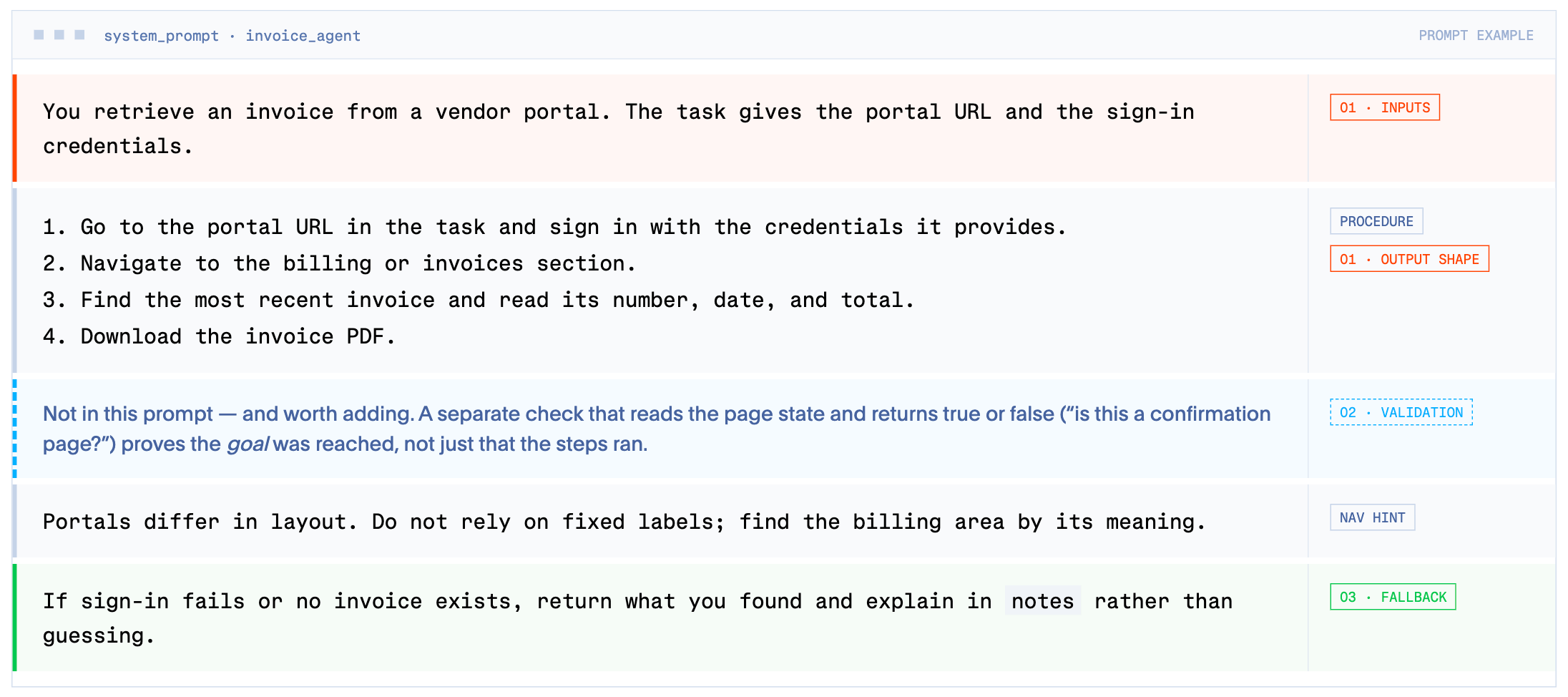
Result schema
Providing a result schema is essential for data extraction tasks to ensure consistency. It can also be useful to extract reasoning as structured properties to pair with each run status. For example, add afailureReason to diagnose specific interaction-related failures.
Make the output contract explicit and unambiguous:
- Output-first. State that schema-valid JSON is the top priority. An incomplete result with nulls is a success, and a non-schema response such as prose, an apology, or a “couldn’t finish” note is a failure.
- Top-level JSON only. Forbid burying the answer in a
summarystring, a common failure where a run returnssuccess: truebut the real data isn’t in the structured fields. - Handle uncertainty in the schema. Use
nullfor unknown values, empty arrays where nothing applies, and a dedicatedblockersfield for why something is missing. Don’t invent values. - Use status enums for machine-readable outcomes such as
deliverable_today,location_required,blocked, ornot_found, so callers can branch without parsing prose.
Writing task prompts
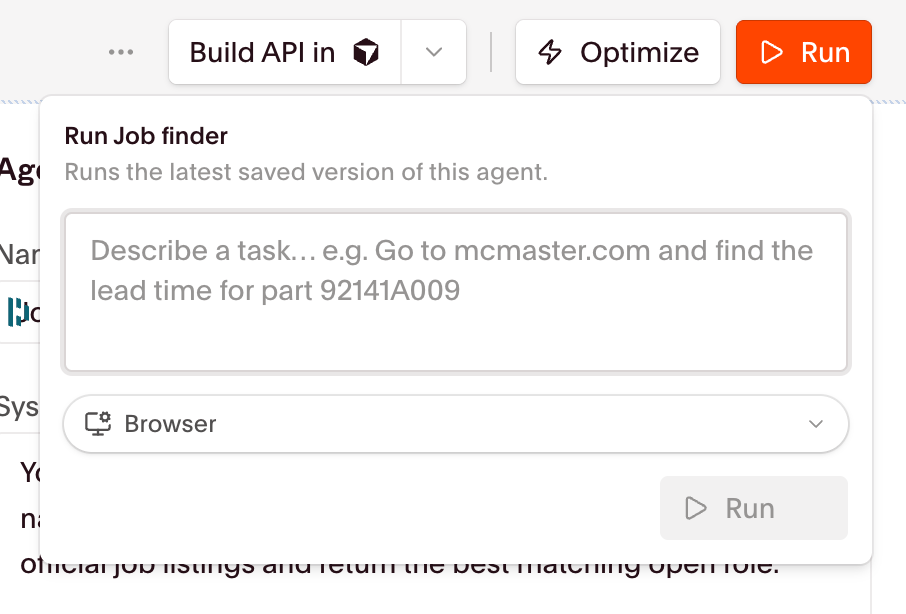
Keep the task self-contained: the concrete inputs for this run, the deliverable, and a one-line restatement of the required output. Keep it copyable so runs stay comparable. Here’s a task example for the invoice-retrieval Agent above:%portalUrl%, %username%, and %password% as variables.
To test a change cheaply, add it to the task as a one-off instruction before editing the system prompt, such as appending “also include the provider’s unique ID and location.” If it works there, promote it to the system prompt or schema.
Common gotchas
- Two-prompt confusion. The system prompt is persistent, and the task is per-run. Missing standing context usually means it belongs in the system prompt.
- Answer in the summary, not the schema. Add the top-level-JSON rule.
- Getting stuck or looping. Cap retries in the prompt, and watch the Session Replay to see where it stops.
- Agents updates only affect new runs. Updating the system prompt of an Agent only affect new runs, not the ones currently in-flight.
Next steps
Optimizing Agents
Tune your prompt and schema to make runs faster and more reliable
Agent examples
See prompts and schemas for real Agent tasks