

Using Claude Code, Cursor, or another coding agent? Paste this into your prompt to browse the web, debug sessions, and manage your entire project via the Browserbase CLI:
Creating your account
Sign up for a Browserbase account. The free plan includes:- One browser session running at a time
- 60 minutes of browser time per month
Overview dashboard
The overview dashboard is the first page you’ll see when you log in to Browserbase and click into a project. It gives you a quick snapshot of your browser sessions, usage, and status.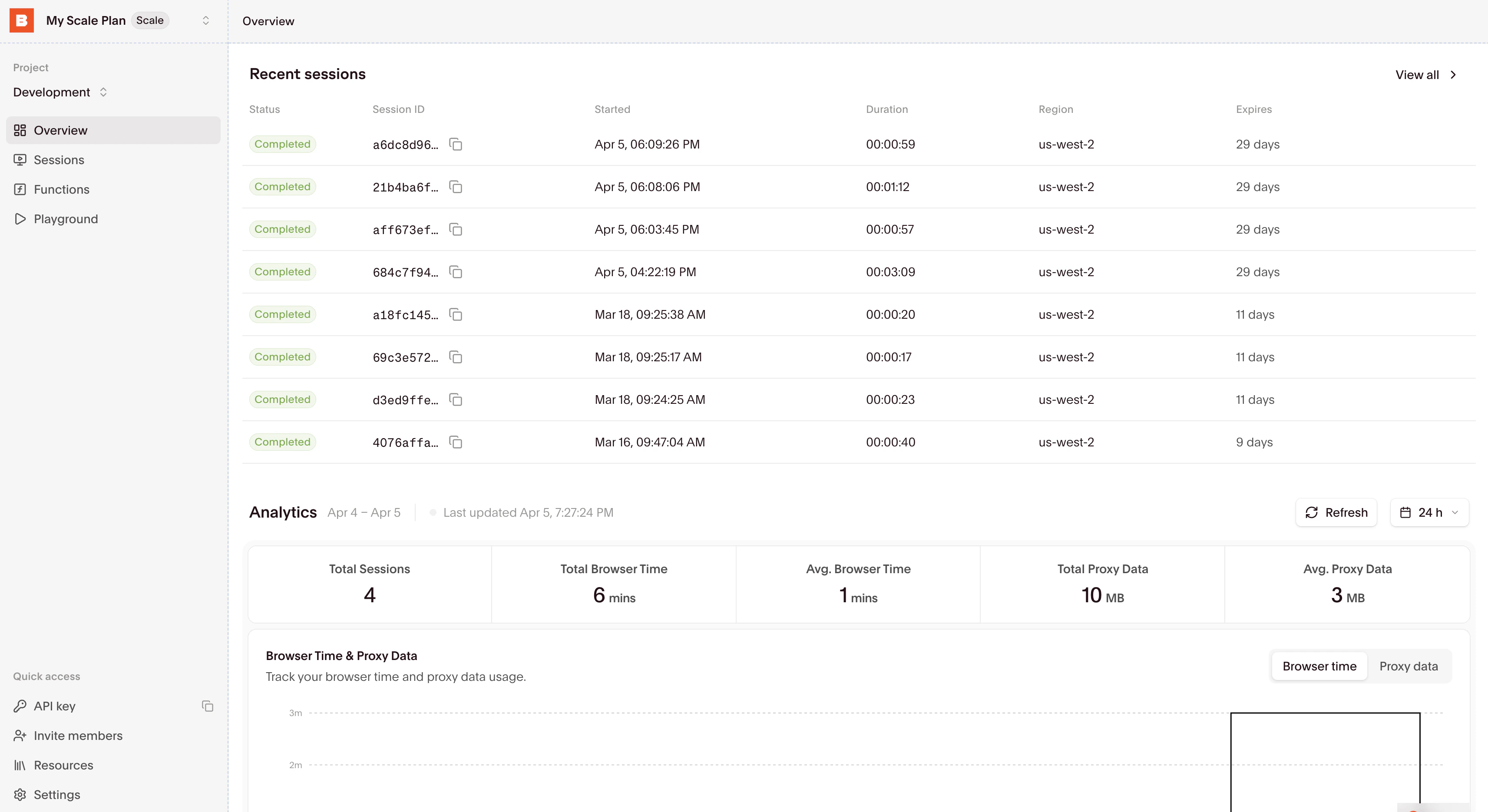
- Your API key (and Project ID, if you need it) on the right side
- Currently running and recently completed sessions
- Historical usage statistics, performance metrics, and system status
Using the playground
The Playground lets you try Browserbase directly in your browser with no local setup needed.- Navigate to the Playground
- Command + Click on one of the templates in the code editor
- Click “Run” to start a browser session and execute the code
- Watch the session via Live View on the right
- Click “Stop” to shut down the browser
Session Inspector
Use the Session Inspector to watch sessions in real time, view recordings, or inspect logs.Sessions list
Find all your sessions in the Sessions tab. From there, you can open the Session Inspector for any session.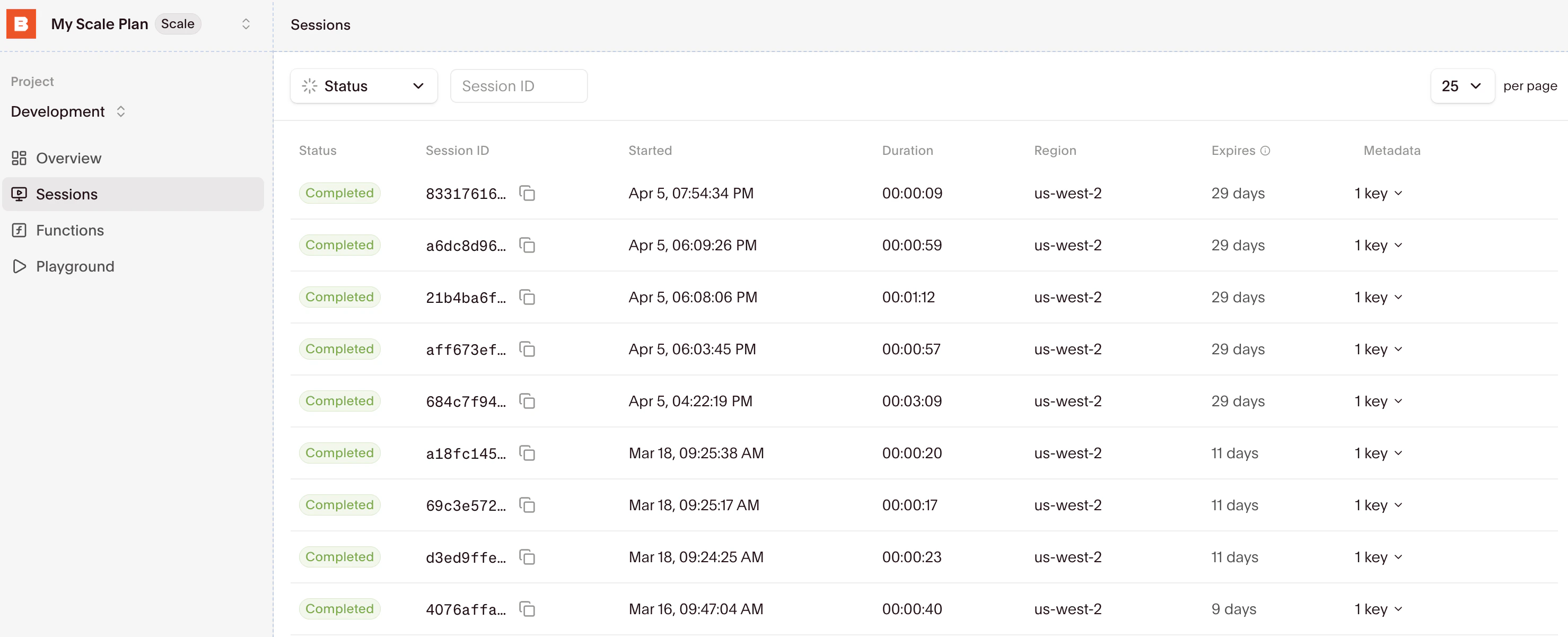
https://www.browserbase.com/sessions/[session-id].
Next steps
Once you’ve run a session in the playground, you’ll likely want to integrate Browserbase into your own codebase. You have two main approaches:- Direct session control: Create browser sessions and control them with your preferred automation framework
- Cloud Functions: Deploy browser agents as cloud functions invocable via API
Using browser sessions
Pick a browser automation framework and follow the framework-specific quickstart to get a Browserbase project running locally. Start with the Playwright, Puppeteer, Selenium, or Stagehand quickstart below, or browse the integrations.If you’re not sure which framework to use,
Stagehand is recommended as it’s built and
maintained by the Browserbase team.
Stagehand
Playwright
Puppeteer
Selenium
Not sure which API to use?
Think about Search -> Fetch -> Browsers- Search: Find relevant sources (website, news, docs).
- Fetch: Quickly extract content from most pages, and filter out low-value results.
- Browsers: Log in to portals with agent identity, navigate complex pages, and extract the hard-to-reach data.