

The maximum session duration is 6 hours. When a session times out, you’ll see a
TimeoutError: Timeout _____ms exceeded.Project-wide timeout
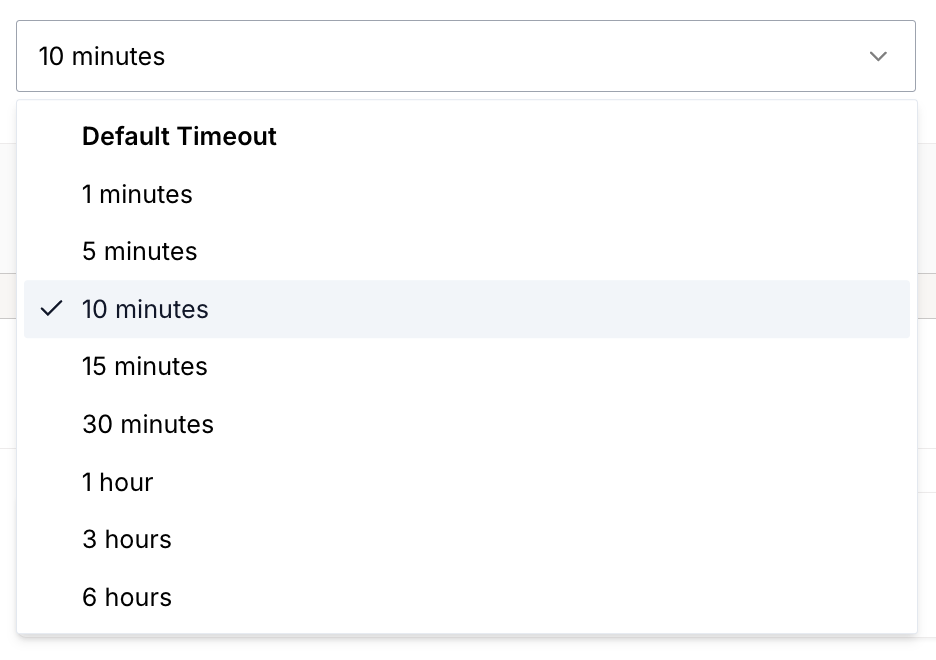
You can change the default session timeout for all sessions in your project through the dashboard settings.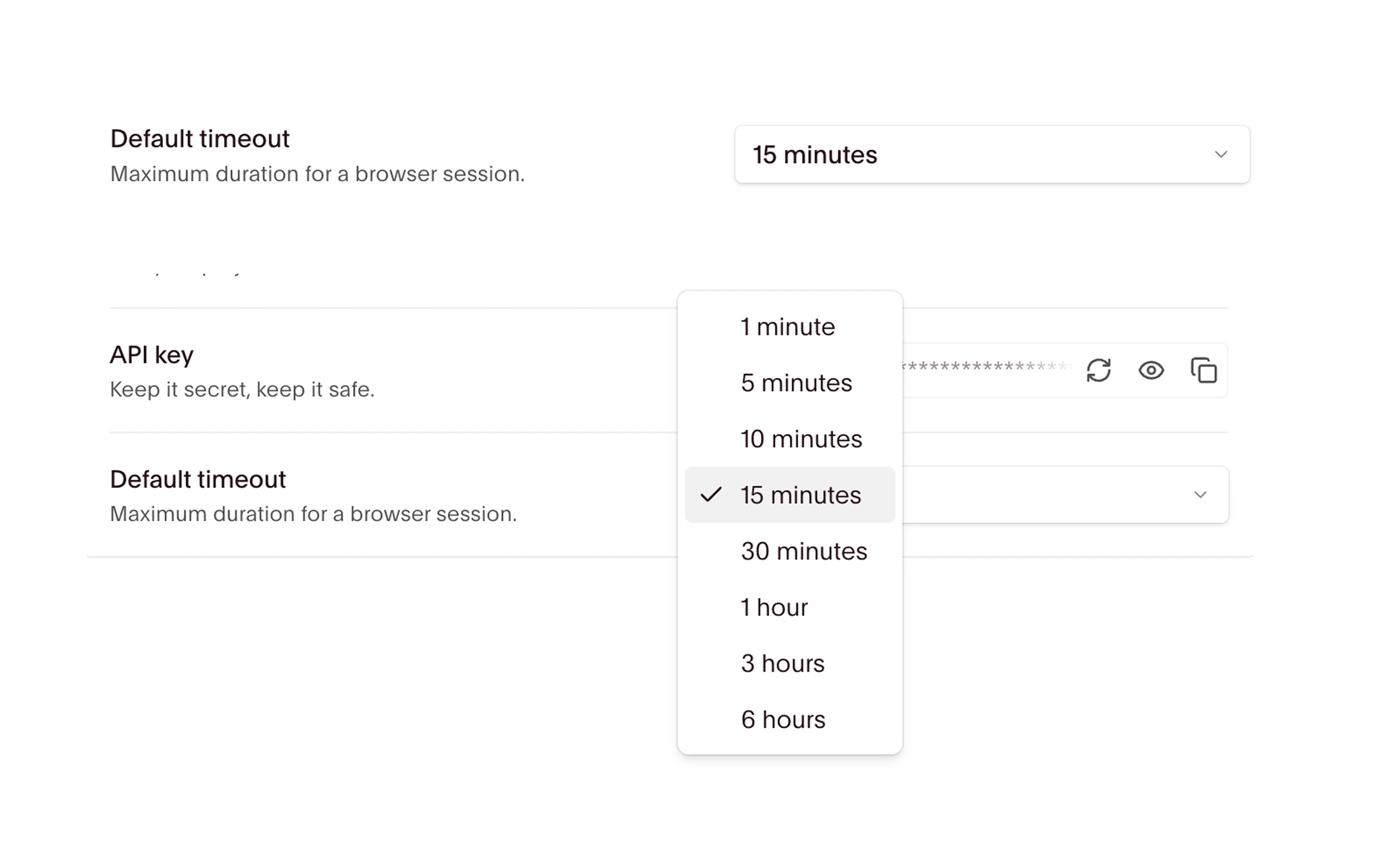
Per-session timeout
You can also set a custom timeout through code by specifying thetimeout option in the API request body or with the SDK.
This is useful when different sessions need different timeouts, or when you need more granular control than the dashboard toggle provides.
The examples below set timeout to 3600 seconds (1 hour), overriding the project default. Unless explicitly closed beforehand, the session continues running for an hour before terminating. At disconnect, it ends.
- Node.js
- Python
Timeouts and keep alive
Setting a custom timeout extends how long a session can run, but the session still terminates when you disconnect. If you need to disconnect and reconnect to the same session, use Keep Alive instead. For sessions that need both extended duration and reconnection support, configure both options:Keep alive
Learn how to keep sessions alive across disconnects.