

Get started with a Selenium Node.js template
Get started with Browserbase and Selenium in Node.js.
Get started with a Selenium Python template
Get started with Browserbase and Selenium in Python.
1
Get your API key
Your API key is displayed in the Dashboard Navigation row. The API key is all you need to get started. The project is inferred from your API key.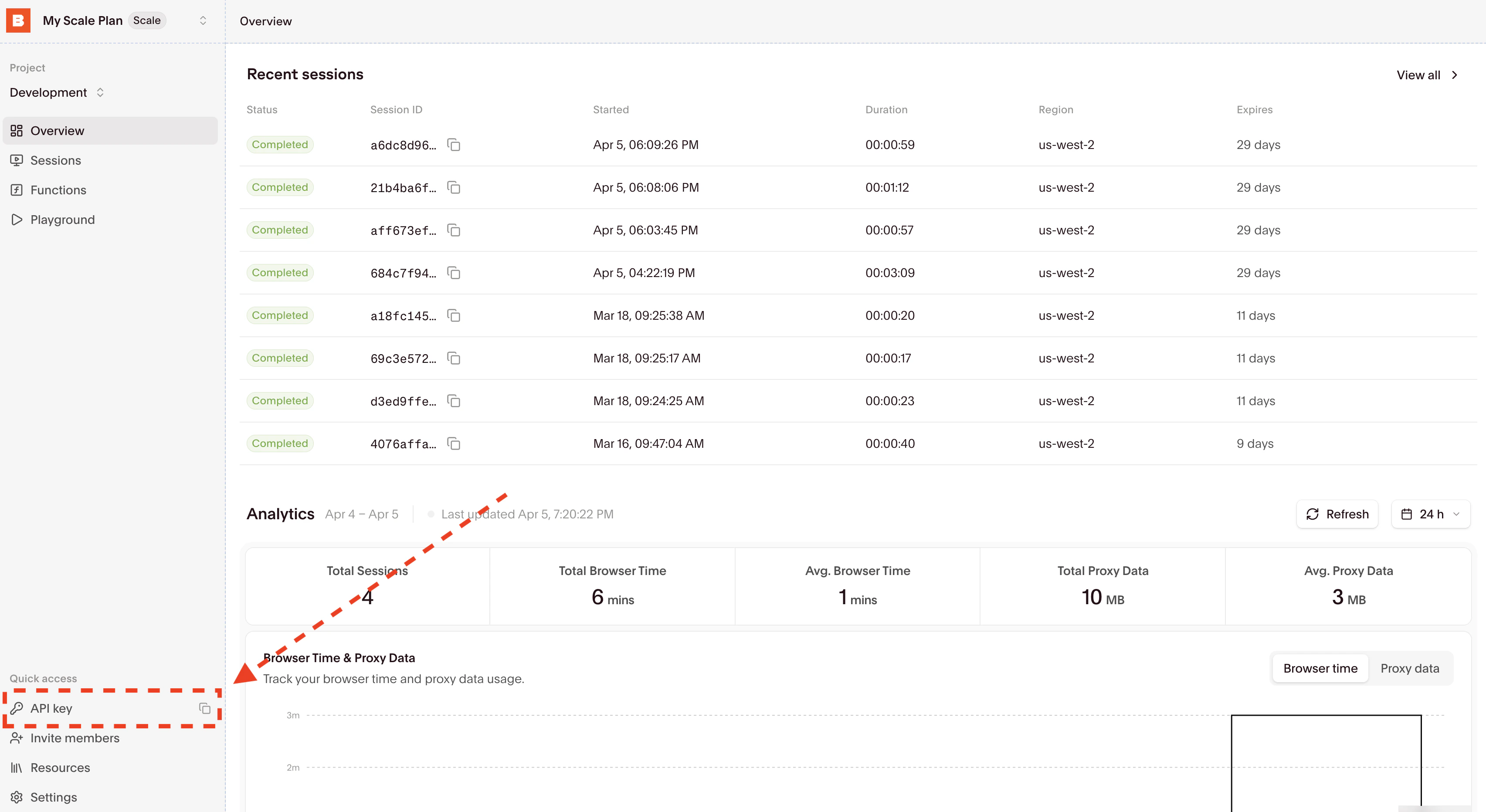
BROWSERBASE_API_KEY.Alternatively, you can temporarily set the environment variables with a single bash command by prefixing it with BROWSERBASE_API_KEY=<your_api_key> in your terminal.2
Install Selenium
- Node.js
- Python
3
Update your code or clone a template
Running your existing code with Browserbase only requires a few line changes:
- Node.js
- Python
Node.js
Set your
BROWSERBASE_API_KEY in the environment variables.4
Inspect the completed session
Find your recent sessions on the overview dashboard: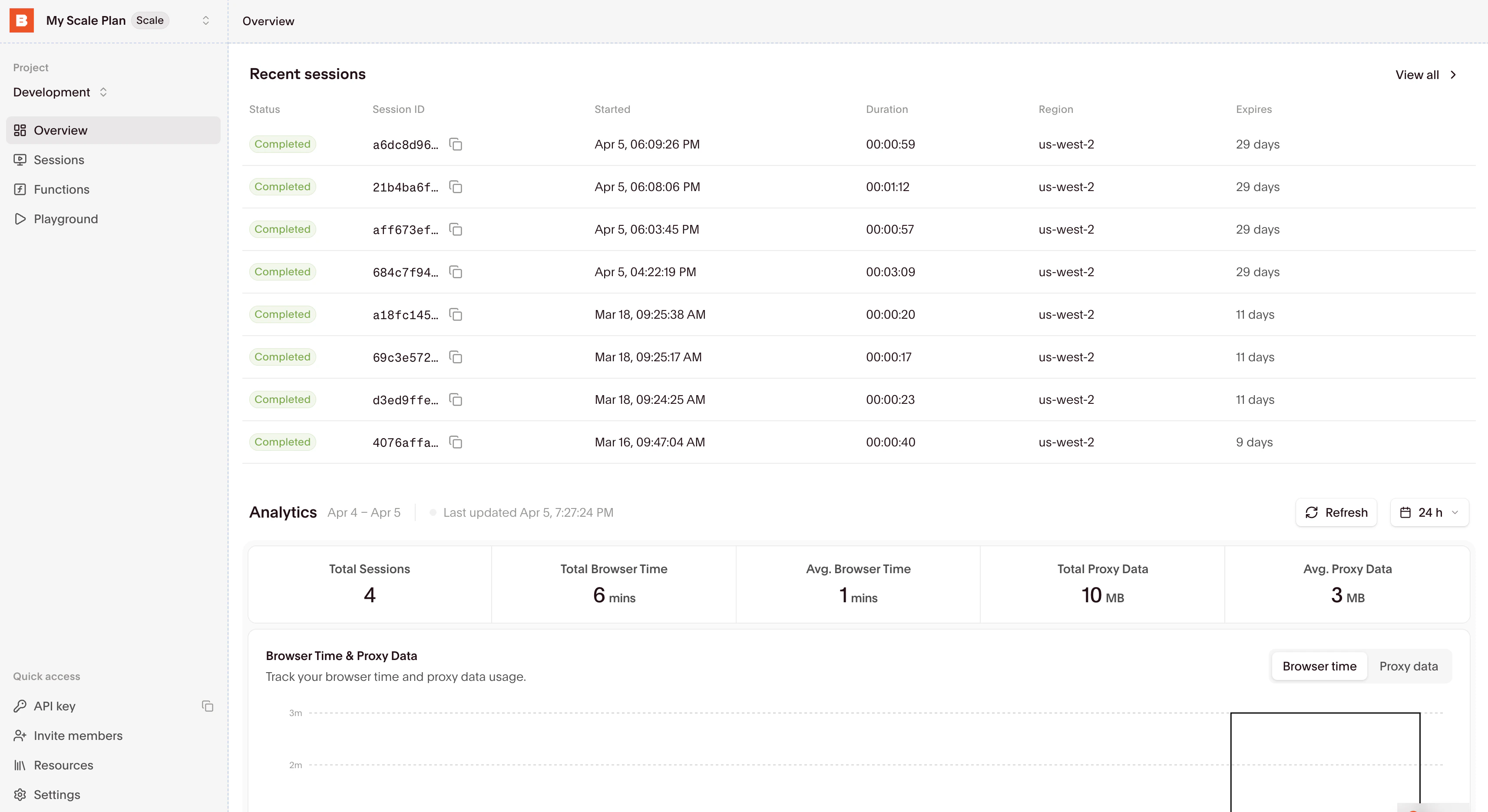
Expected output
The Node.js example logs a session ID, a debug URL, and a session-complete recording URL. The Python example prints a live debug URL, the current URL, and the page title. Session IDs and URLs differ on each run.Cleanup
End the WebDriver session withdriver.quit(). The Python example does this in finally; if the Node.js example fails before its shutdown step, release the browser session using Manage browser sessions.
Start building
Using browser sessions
Learn how to connect to and interact with browser sessions effectively.
Managing sessions
Understand how to properly end sessions and manage their lifecycle.