

Connecting to a session
Once you create a session, you’ll receive a connection URL to use with your preferred automation framework. Here’s how to connect:- Node.js
- Python
Connection best practices
-
Connection timeout: You have 5 minutes to connect to a newly created session before it terminates. To prevent timeouts:
- Connect promptly after creation
- Enable keep alive for sessions that need to persist
- Use the connection URL immediately after receiving it
- Use default context: Always use the default context and page when possible to ensure proper functionality of Verified features:
- Node.js
- Python
Controlling the browser
Once connected, use your preferred framework’s APIs to control the browser. Each framework has its own methods for navigation, interaction, and automation.Stagehand
Playwright
Puppeteer
Selenium
Browserbase features
When running browsers in the cloud, certain operations require special handling through the Browserbase APIs:File downloads
Screenshots
PDF generation
File upload
Live view
Live view gives you real-time visibility into your browser sessions through two interfaces:Session Inspector
The Session Inspector provides real-time debugging: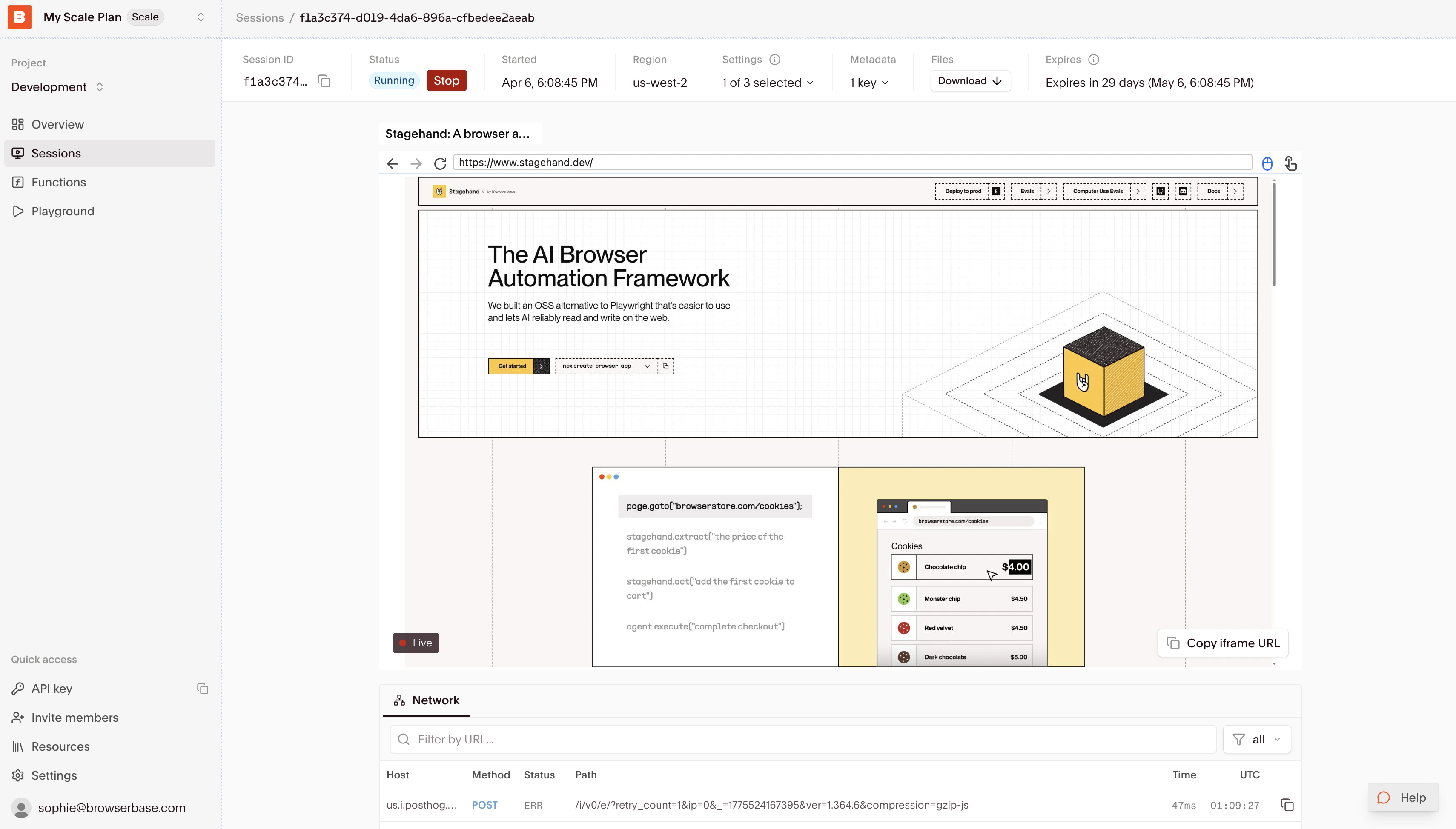
- Live browser state and interactions
- Real-time network requests and responses
- Console output and error tracking
- Performance metrics and resource usage
- Session replay