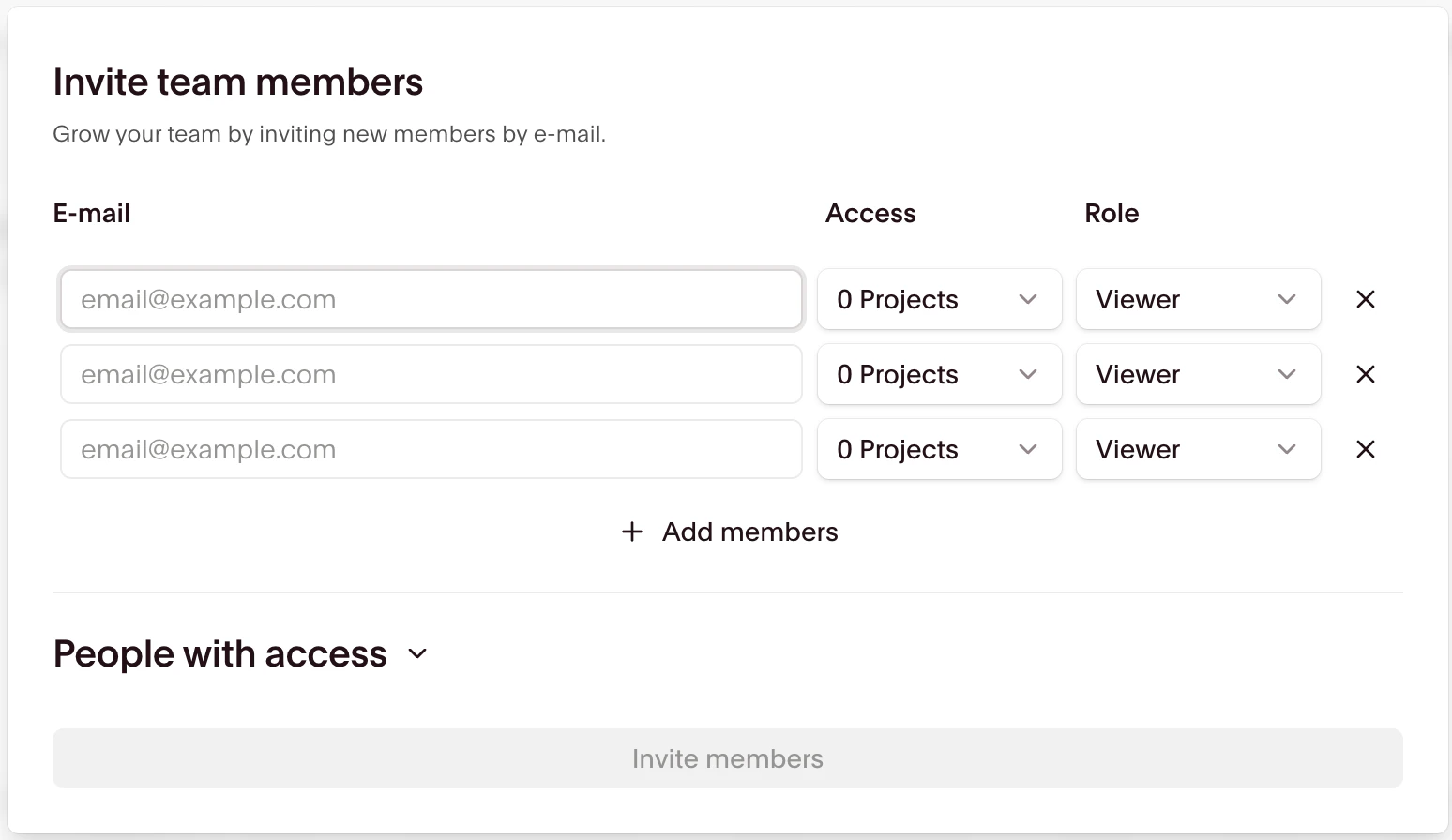
Add teammates
1
Select the Organization you want to add a team member to.
2
Select “Settings” from the menu.
3
Click “Invite members” from the Pending Invitations section.
4
Type in the email address of the team member you want to add and send the invitation.
User roles
There are three roles a user can have within an organization: Admin, Contributor, and Viewer.User roles only affect what permissions a user has within the dashboard itself. They don’t change who can interact with sessions via the API. That’s what your API key is used for.
Project access
When you invite a new user to your organization, you can select which projects the user should have access to in addition to their role: