

- Update a record once a Function invocation completes, without holding a request open while it runs.
- Alert an on-call channel the moment a Function build fails, instead of finding out at the next deploy.
- Start downstream work, such as sending a confirmation email or queueing a job, as soon as an invocation finishes.
What you receive
Browserbase POSTs the event payload wrapped in an envelope, withwebhook-id, webhook-timestamp, and webhook-signature headers:
id identifies the event, type is the event type, resourceId is the resource it concerns, and data is the type-specific payload.
These envelope keys are additive. Browserbase may add keys but will not rename or remove them, so parse defensively and ignore anything you don’t recognize.
Event types
Subscribe an endpoint to one or more event types. An endpoint receives only the types it subscribes to.
Browserbase rejects a subscription to a type that doesn’t exist, so a typo fails when you register the endpoint instead of silently receiving nothing.
These events come from Functions. An invocation is one run of a Function, and a build is a publish of your Function code.
Delivery
Your endpoint has 15 seconds to respond with any2xx status for the delivery to count as successful. Nothing reads the response body, so an empty one is fine.
Anything else counts as a failure and triggers a retry:
- Any status outside
2xx, including a3xxredirect. - No response within 15 seconds.
- A connection that never opens, such as a DNS or TLS error.
2xx as soon as you have stored the event, then process it. Slow processing inside the request is a common and avoidable source of retries.
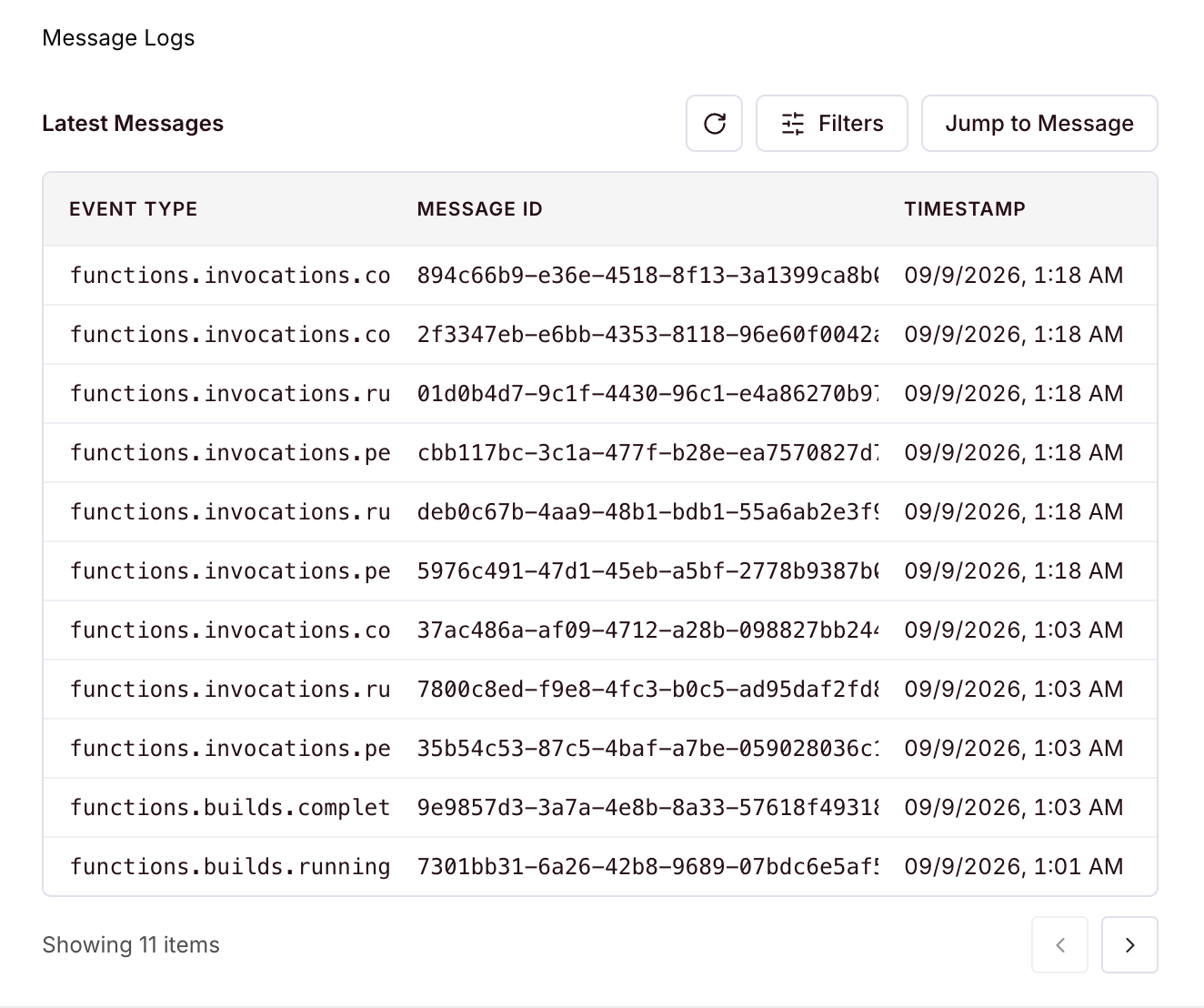
Settings lists every delivery with its event type, message ID, and timestamp.
Register an endpoint
Create, list, update, and rotate webhooks with the SDK.
Verify webhook deliveries
Check signatures before processing webhook events.