

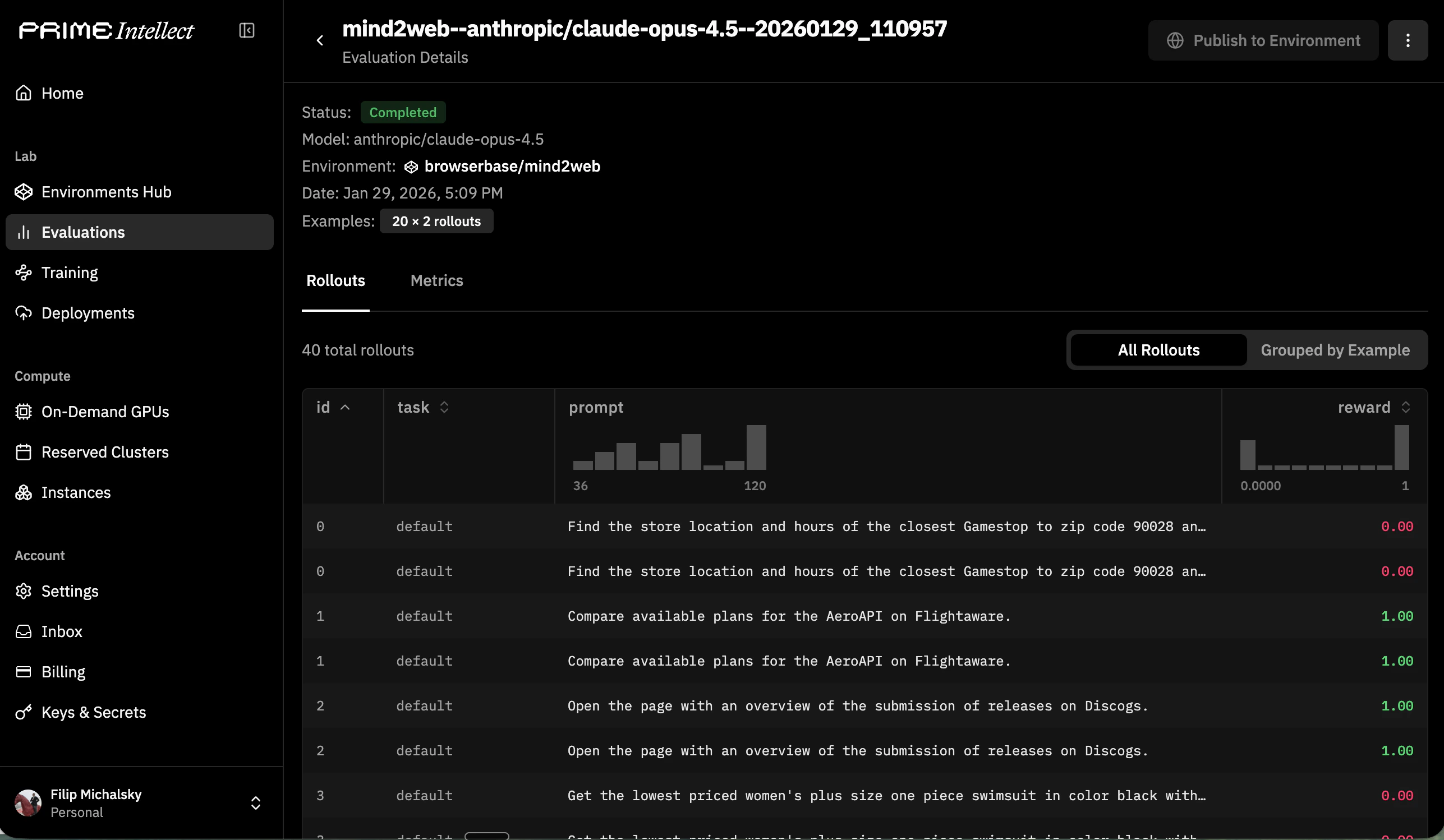
BrowserEnv with the Prime CLI to evaluate browser agents on structured tasks. Each evaluation run spins up Browserbase sessions, feeds observations to your model, and collects reward signals, giving you reproducible benchmarks for browser-capable models.
Prerequisites
Browserbase account
API key from your Browserbase dashboard
Prime CLI
Install via
uv add primeverifiers
Install with browser extras:
uv add verifiers[browser]Install and configure
Set Browserbase credentials
Export your Browserbase credentials soBrowserEnv can create sessions:
Install the Prime CLI
Install verifiers with browser support
Choose a BrowserEnv mode
BrowserEnv supports two observation/action modes. The mode is selected when you run an evaluation, either through the environment’s default or via -a args.
DOM mode (recommended)
The agent receives structured DOM content and issues natural language instructions via Stagehand tools (navigate, observe, act, extract). This is the default and works well for most browser tasks.
CUA mode
The agent receives screenshots and uses coordinate-based tool calls (click, type_text, scroll, screenshot). Use this for vision models trained on screenshot-grounded interaction.
CUA mode deploys a sandbox server by default to handle connection to Browserbase’s custom CDP driver, Understudy, which overcomes performance limitations of Playwright. You can also run against a local server with
-a '{"use_sandbox": false}'. See Operational Notes below.Run an evaluation
Install a hub environment
Install a published Browserbase environment from the Prime hub:Run with default settings
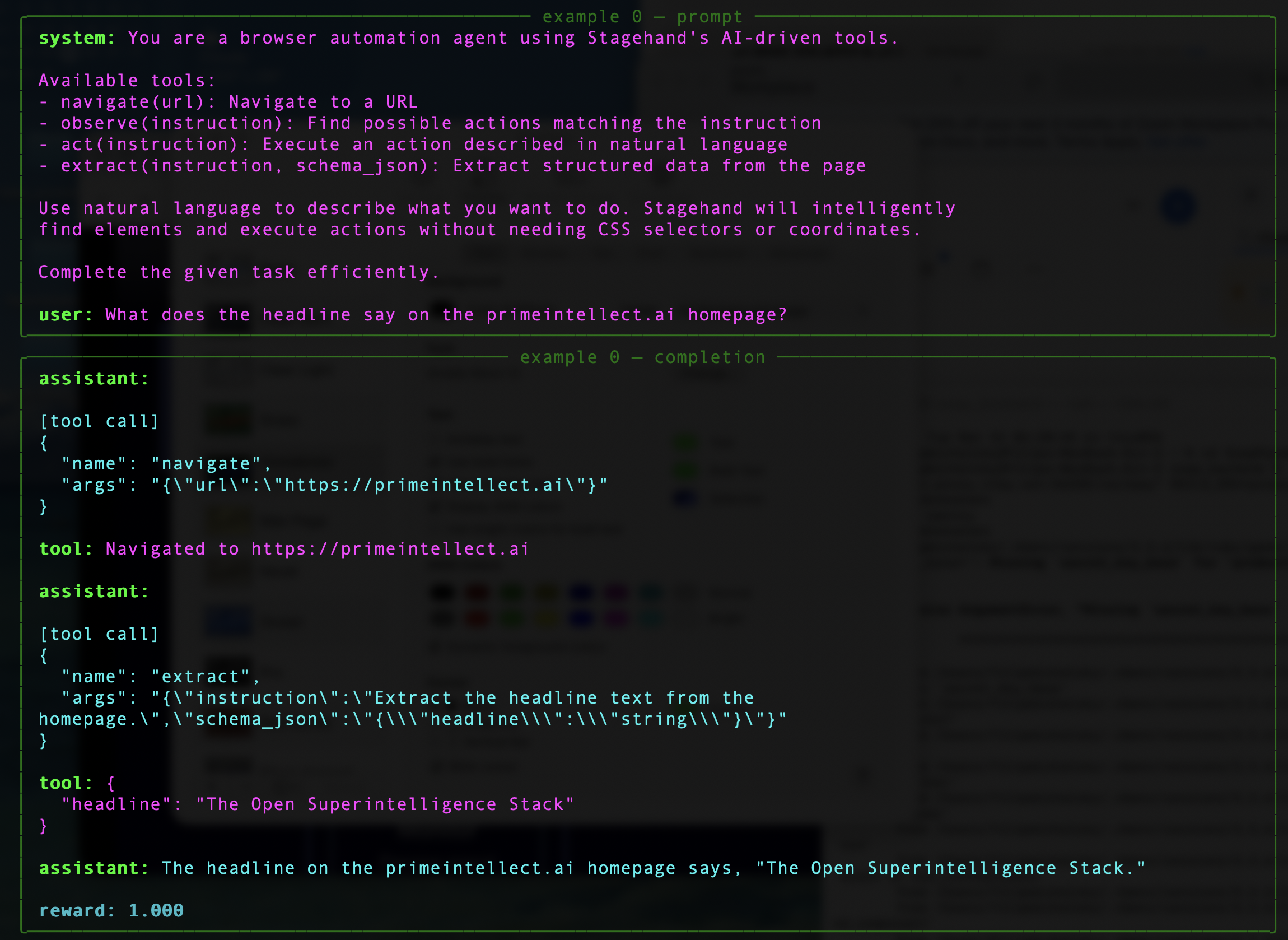
Override evaluation parameters
Control the number of examples, rollouts, and environment-specific args:Pass environment args
Use-a to pass JSON arguments to the environment. These are forwarded to the load_environment() function:
Run a published benchmark
Browserbase publishes browser benchmarks on the Prime hub:Run from a local environment
If your environment lives in a local directory:Operational notes
CUA Mode: Sandbox vs Local Server
CUA Mode: Sandbox vs Local Server
By default, CUA mode deploys a sandbox server using a pre-built Docker image (
deepdream19/cua-server:latest) that exposes Browserbase’s CDP framework, Understudy. This is the recommended setup.For local development, you can run the CUA server yourself and disable the sandbox:Browserbase Proxies and Verified
Browserbase Proxies and Verified
Environment Variables
Environment Variables
DOM mode requires:
BROWSERBASE_API_KEY: Browserbase API keyMODEL_API_KEY: API key for Stagehand’s underlying model
BROWSERBASE_API_KEY: Browserbase API keyPRIME_API_KEY: Required when using sandbox mode (default). Set viaprime loginor as an env var.
OPENAI_API_KEY: Forwarded into the sandbox container if set
Related resources
Prime Intellect evaluation docs
Full documentation on Prime’s evaluation workflow
Prime verifiers Environments
Source code and docs for verifiers environments
Browserbase getting started
Core Browserbase documentation
RL Training Guide
Wire BrowserEnv into Prime RL training workflows